Fetch Reviews Via The API
For organizations with technical resources, our REST API provides a powerful way to export and sync your data directly into your own internal systems or third-party applications. This guide outlines the essential steps to authenticate and begin fetching your reviews programmatically.
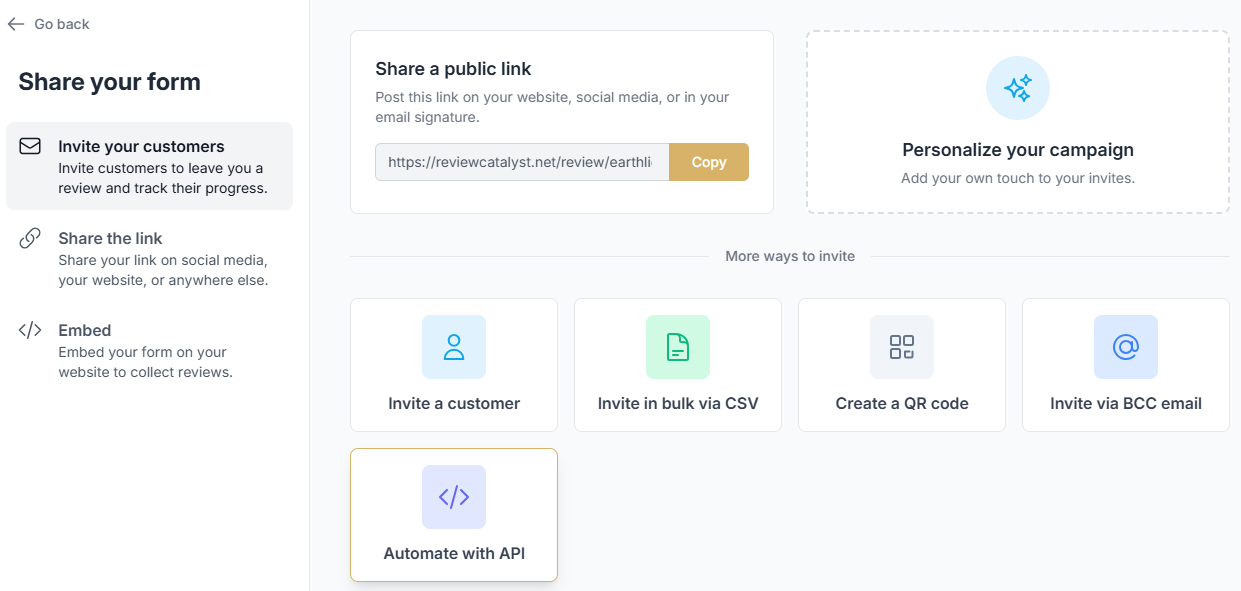
Step 1: Generate Your Access Token
To interact with our API securely, you must first generate a unique bearer token with specific permissions.
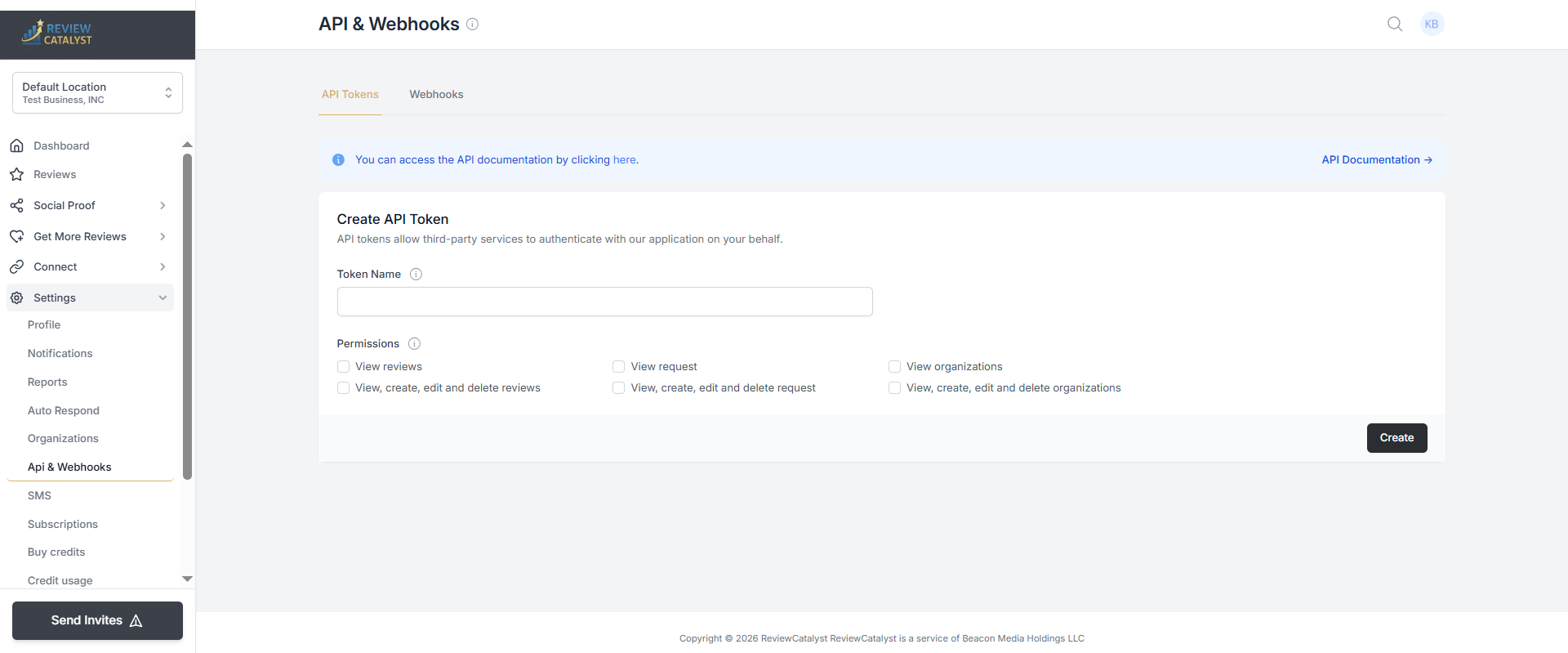
- Navigate to Settings: Click on Settings in the navigation menu.
- Access API Controls: Select the API & Webhooks section from the sidebar.
- Name Your Token: Under the “Create API Token” header, provide a descriptive name for your token (e.g., “Internal Dashboard Sync”).
- Set Permissions: Ensure you select the View reviews permission to allow the token to read your review data.
- Generate and Save: Click Create. Copy the generated token immediately and store it in a secure location, as it will not be displayed again for security reasons.
Step 2: Executing Your API Request
The ReviewCatalyst API is built on REST principles, making it compatible with a wide range of development environments and “no-code” automation tools.
- Platform Compatibility: Our endpoints can be used with custom scripts or automation platforms such as Zapier , Make , and Pabbly.
- Documentation: For specific endpoints, request headers, and payload examples, please refer to our full API Documentation.
Security Best Practices
- Token Secrecy: Treat your API token like a password. Never hard-code it into client-side scripts or public repositories.
- Revocation: If you suspect a token has been compromised, you can delete it from the API & Webhooks settings page and generate a new one instantly.
Was this article helpful?
Thanks for your feedback!