
Automate Email Review Requests By BCC
The BCC Trigger is our most popular “no-code” automation. It allows you to sync your customers with a review campaign simply by adding a unique email address to your existing workflow. No APIs, no developers, and no complex integrations required.
How the BCC Trigger Works
When you add your unique campaign address to the BCC (Blind Carbon Copy) field of an outgoing email (like an invoice or order confirmation), our system springs into action:
- Data Capture: The system securely identifies the recipient(s) in the “To:” field. If you are emailing multiple people at once, it intelligently captures every recipient.
- Sequence Initiation: Next, it enrolls those customers into your full Campaign Sequence.
- Branded Invitations: Our platform then sends your professional, branded request containing your feedback link, following the specific timing and delays you’ve already set in your campaign.
Privacy Note: Because the address is in the BCC field, your customers will never see the trigger address or know the automation is running behind the scenes.
Step-by-Step Setup
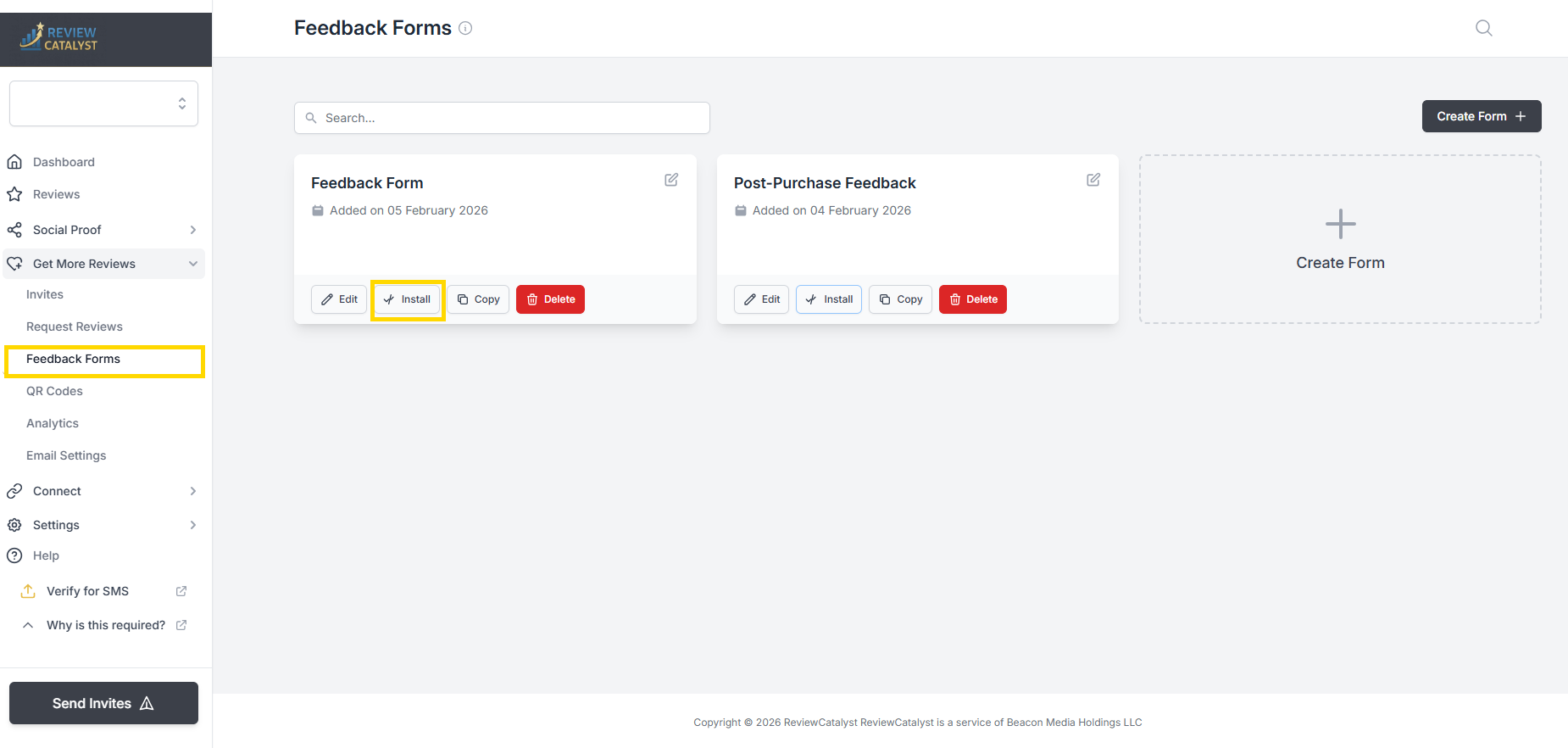
- Go to Get More Reviews > Request Reviews and click Install on your chosen campaign.
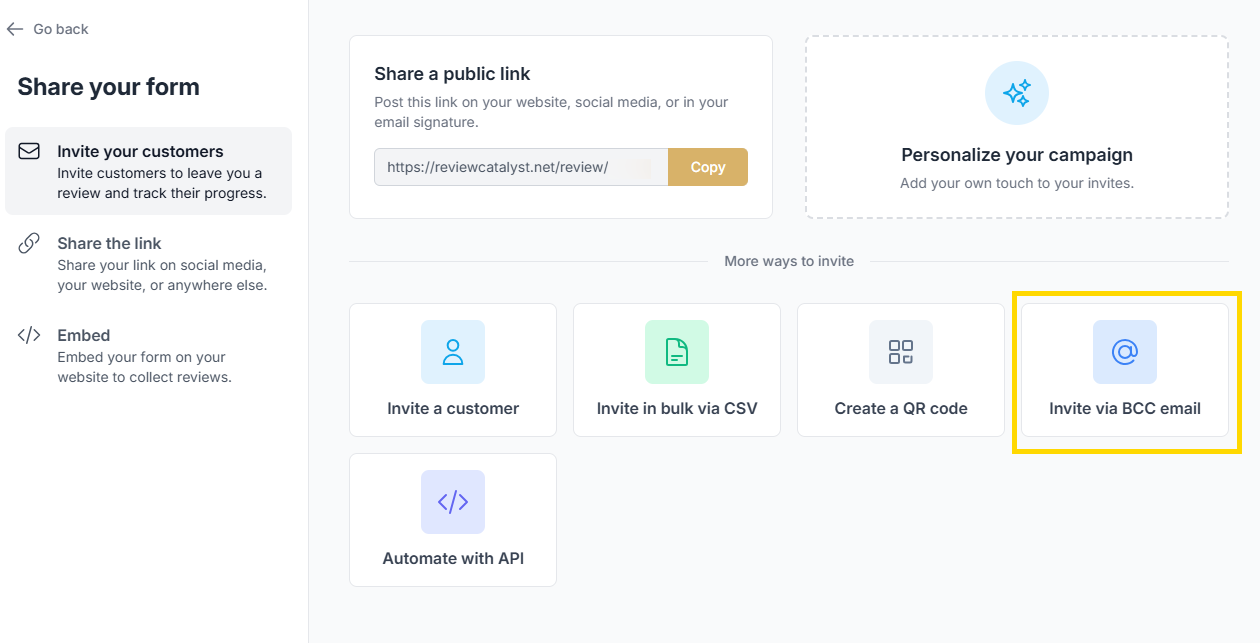
- You will be shown a pop-up. From here click on **Invite via BCC Email
**
- Next, you want to copy the address.
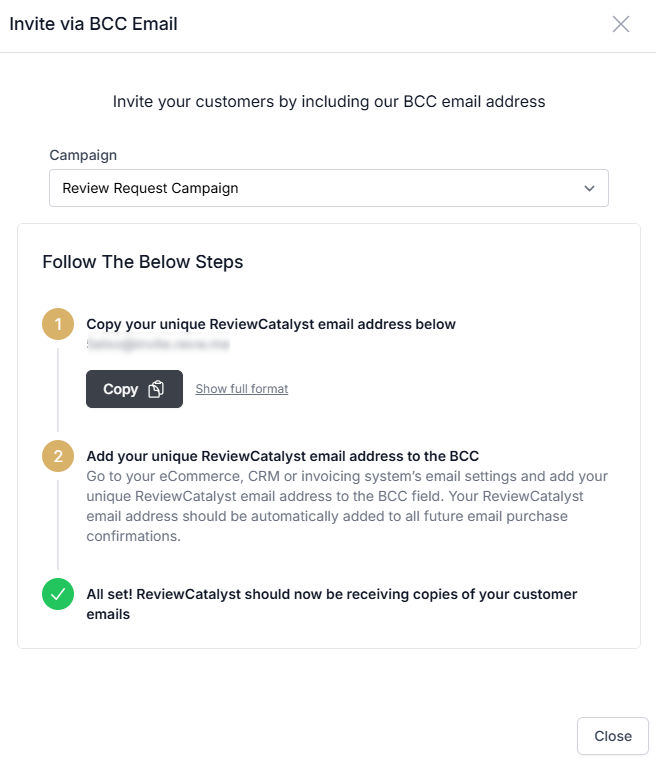
- Update Your System: Paste this address into the BCC field of your CRM, Invoicing, or eCommerce platform’s automated email settings (e.g., Shopify, QuickBooks, or Square).
Key Features & Technical Behaviors
- Smart Timing: If your campaign is set to “Send after 2 days,” the system marks the time the BCC was received and schedules the request perfectly.
- Spam Prevention: The system automatically handles duplicates. If you email the same customer twice, our platform respects your Campaign Frequency settings (usually 14–30 days) to ensure they aren’t over-messaged.
- GDPR Compliant: We only parse the “To:” field to identify the recipient. We do not read or store the body of your emails, your pricing, or any other sensitive data.
💡 BCC vs. Code Snippet: Which is right for you?
While the BCC method is the easiest to set up, it only captures the customer’s Email Address. If you want to automate SMS review requests , we recommend using the** Automate with API** method found in the same “Automate” tab to capture phone numbers.
Was this article helpful?
Thanks for your feedback!